Whether you are designing cover art for a single release or organizing thousands of tracks, Audio-SWARM automates the entire workflow.
1. Sound Waveform Maker
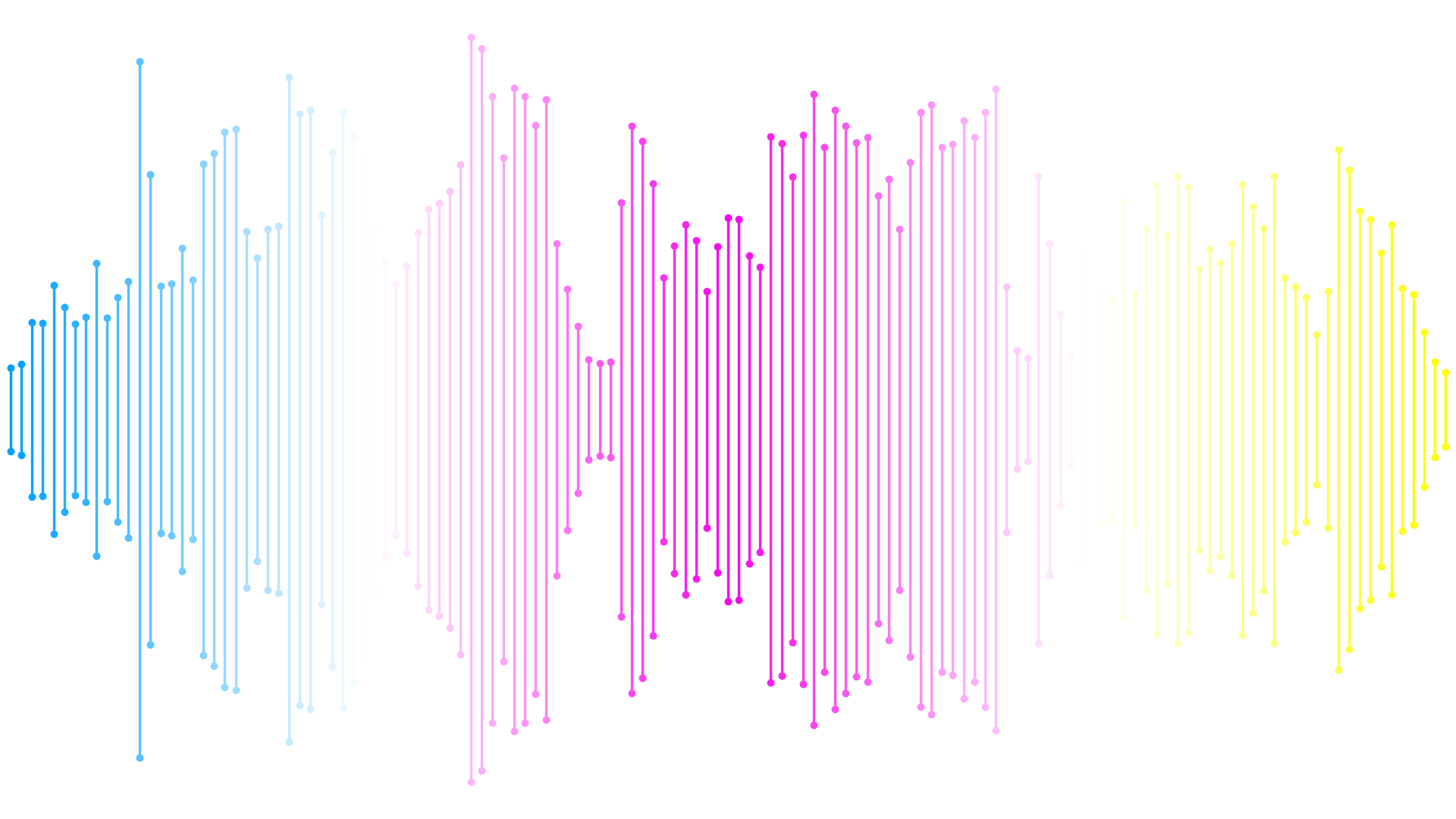
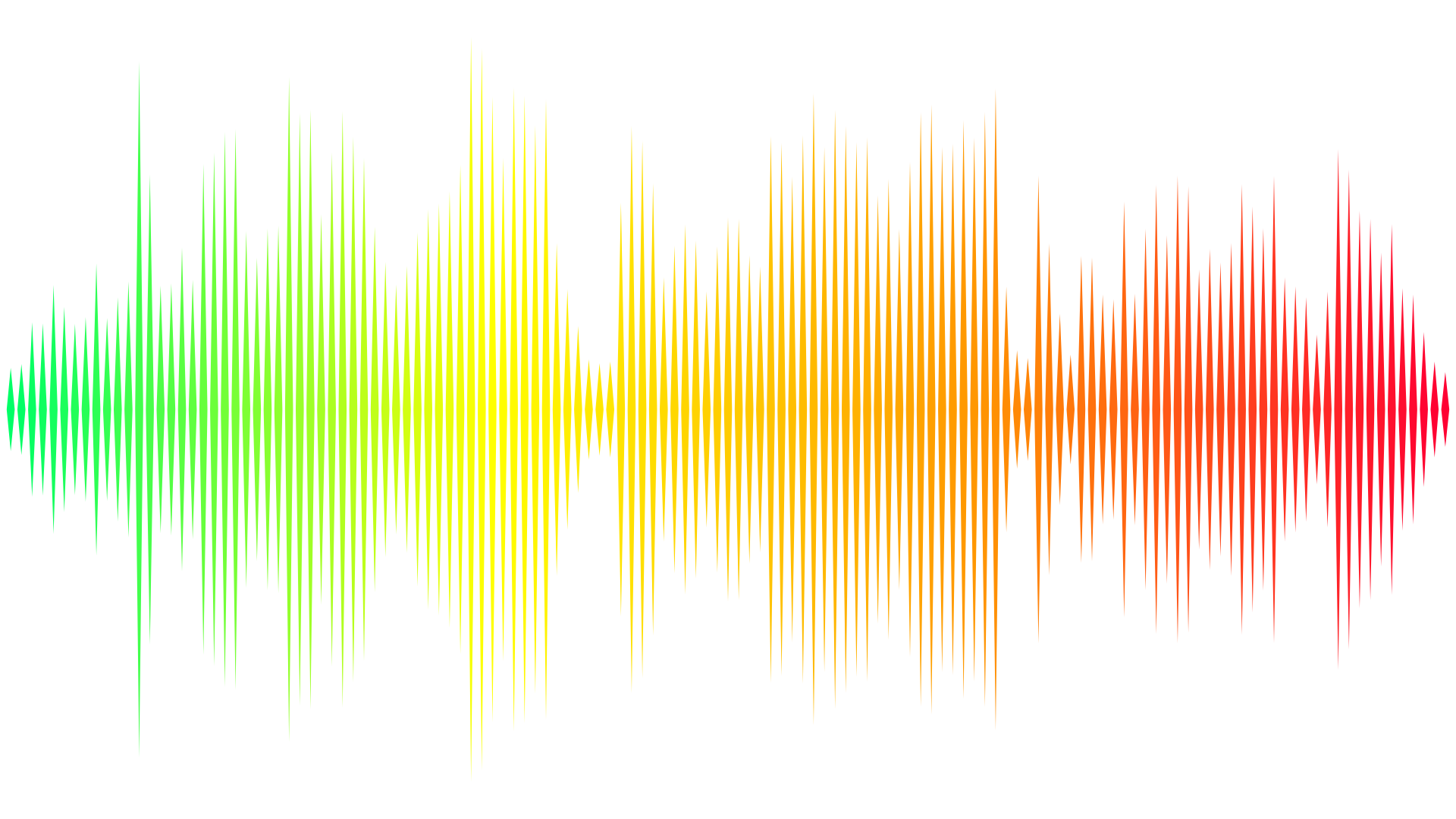
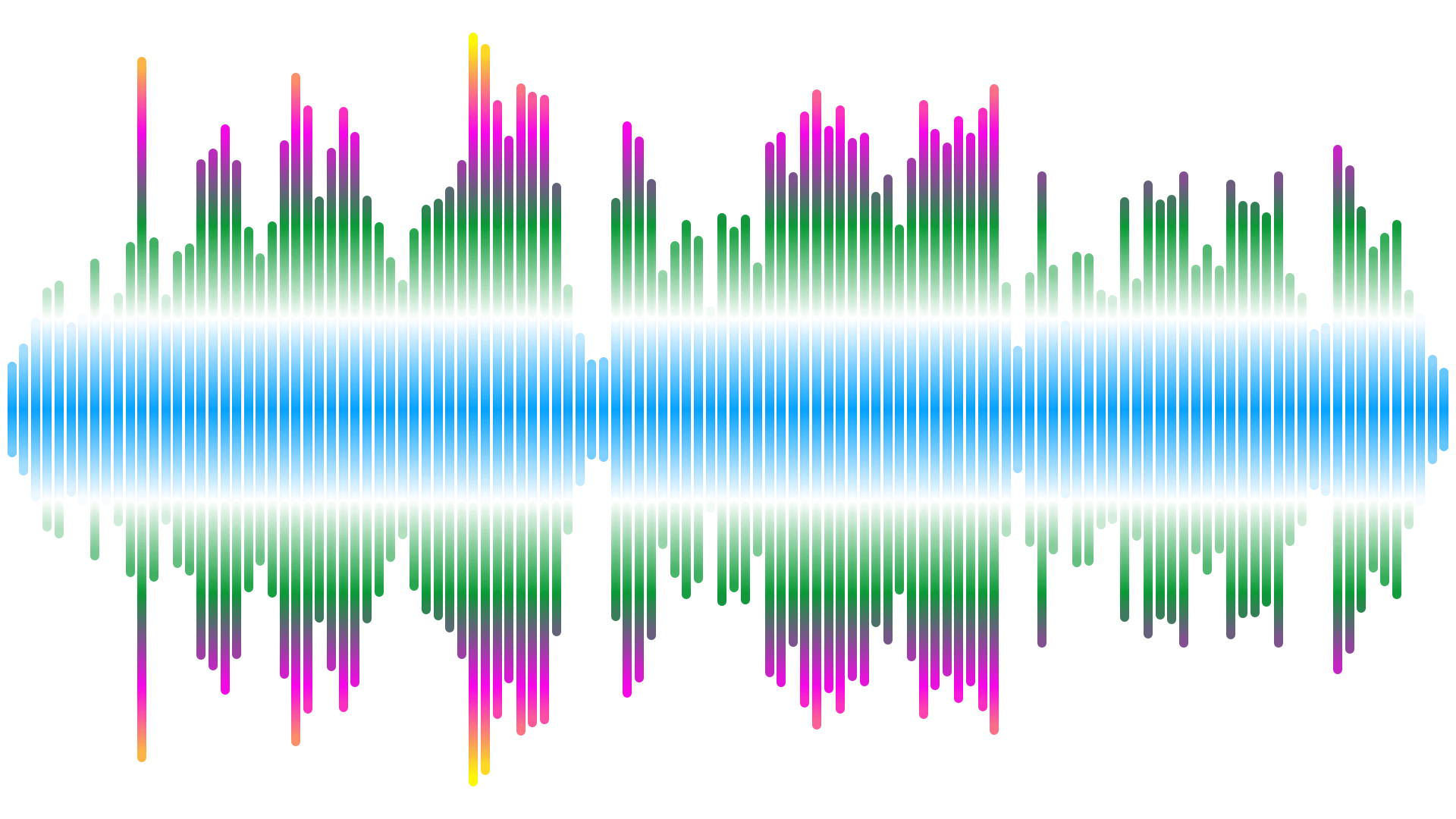
Transform audio tracks into crisp horizontal or vertical waveform graphics with full control over colors, gradients, stem spacing, and peak shapes.
- Ultra-High Resolution: Export images up to 12,000 pixels wide for 4K displays and large-format printing.
- Unique Vertical Flow: Render audio peaks as flowing vertical slices for modern visual designs.
- Recursive Batch Mode: Process entire folders and subfolders while preserving your directory tree.
2. Circular Waveform Generator
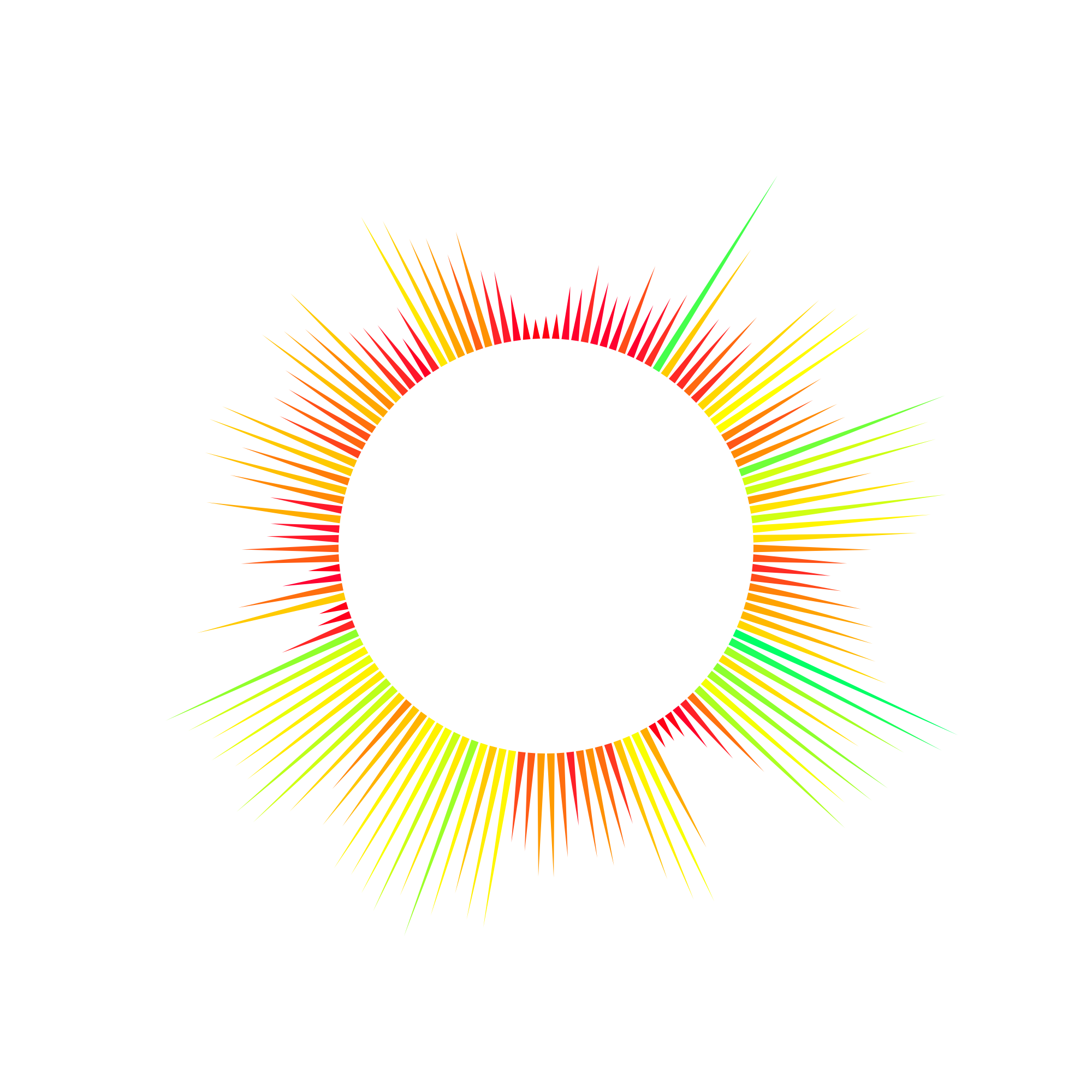
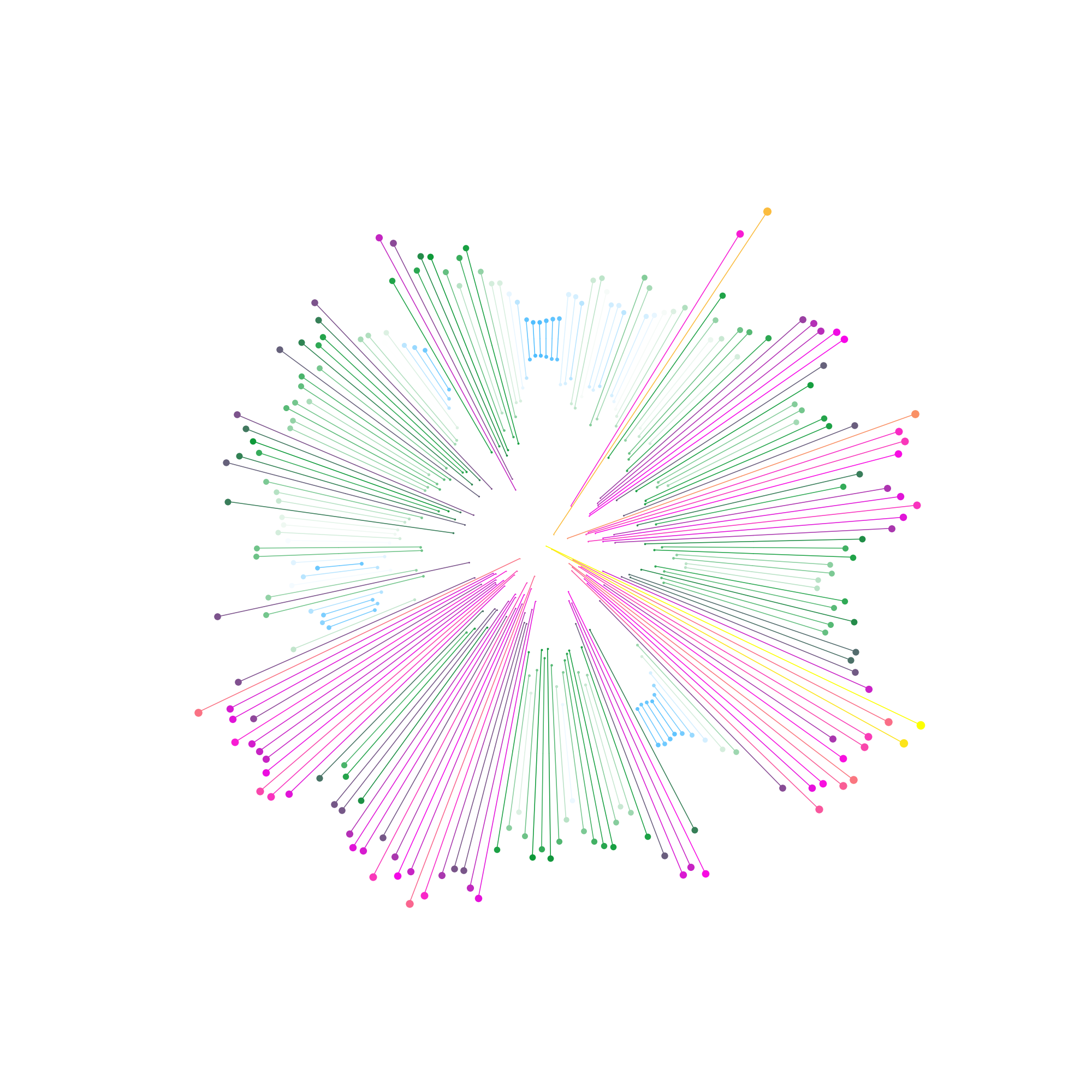
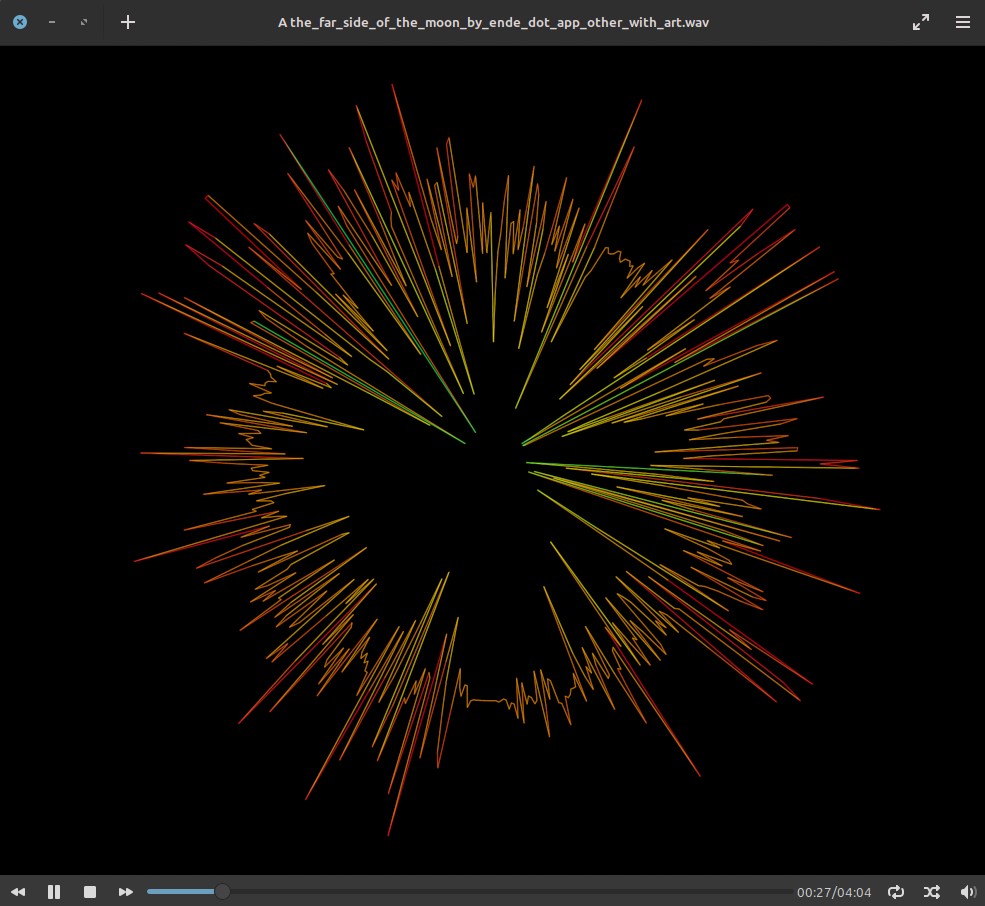
Create geometric circular audio visualizations with transparent backgrounds ready to drop onto posters, vinyl labels, or video overlays.
- Three Distinct Modes: Circular Waveform, Radial Spectrum, and Minimal Circular Waveform.
- Directional Control: Expand peaks outward, inward, or both with adjustable inner radius and rotation.
- Live Preview: Fine-tune amplitude, sensitivity, and line thickness before batch exporting.
3. Bulk Artwork Linker
Stop editing music metadata one track at a time. Place your audio files and cover images in one folder and embed artwork across your entire library in seconds.
- Automatic Pairing: Matches images to audio files sequentially by filename order.
- Smart Conversion: Automatically resizes images and fills transparent backgrounds with your chosen color.
- Original Filenames Preserved: Updates embedded tags cleanly without renaming your files.
4. Video Poster (Experimental)
Give your video collections a clean visual identity by embedding custom poster artwork across multiple files in a single batch.
- Batch Poster Embedding: Automatically pairs poster images with MP4, M4V, and MKV video files.
- Smart Background Fill: Resizes images and applies custom background colors when transparency is unsupported.
- Preserves Original Names: Updates video files directly in place without adding unwanted filename suffixes.
5. Multilingual UI & Integrated Help
Designed for international creators with built-in offline documentation that automatically matches your chosen interface language.
- 12 Interface Languages: Switch between English, French, German, Spanish, Portuguese, Italian, Dutch, Ukrainian, Japanese, Korean, and Chinese without restarting.
- Offline Help Center: Access illustrated guides and setting explanations directly inside the app with no internet required.
- Synchronized Documentation: Help pages and visual examples automatically update when you change languages.
6. Drag & Drop Workflow
Skip tedious file browsers and get straight to creating artwork with a fast, streamlined desktop workspace.
- Instant File & Folder Drop: Drag individual audio tracks or entire music folders directly into any workspace tab.
- Full Path Support: Handles complex directory structures and folder names containing spaces smoothly.
- Unified Studio Theme: Consistent buttons, live previews, and custom color pickers across every tool.